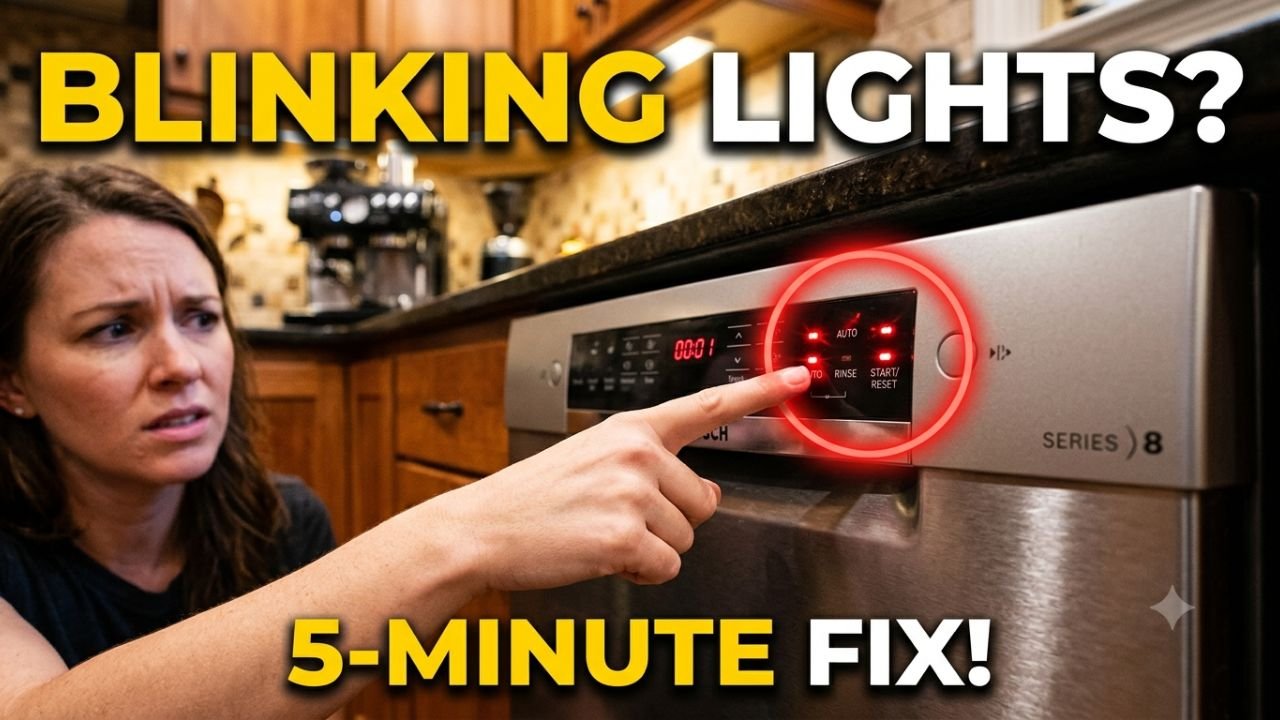
Learning how to reset GE dishwasher blinking lights takes less than five minutes for most units, and you don’t need a technician for the first attempt. If your GE dishwasher’s Start light won’t stop blinking, or the whole panel is flashing and beeping, this guide gives you a clear, numbered fix for every version of the problem — plus when it’s actually a $20 part instead of a $150 service call.
Table of Contents
Before you start: This is general troubleshooting guidance, not a substitute for a licensed appliance technician. If you’re not comfortable working near line voltage, stop and call one. This page may contain affiliate links; as an Amazon Associate we may earn from qualifying purchases at no extra cost to you.
Problem 1: How to Reset GE Dishwasher Blinking Lights (Soft Reset)
Symptom: The Start light is blinking and the dishwasher won’t begin a cycle. This is the fastest way to reset GE dishwasher blinking lights, and it solves the majority of cases.
- Make sure the door is fully closed and latched with a firm click.
- Locate the Start/Reset pad on the control panel. On integrated top-control models (where the buttons are on the top edge of the door instead of the front), use Start and Cycle Select together instead.
- Press and hold the button(s) for 3 to 5 seconds, until you hear a tone or see the lights change.
- Release and wait. The drain pump will run for about 60 to 90 seconds to clear any residual water — don’t open the door during this time.
- Once the pump stops, select a cycle and press Start to test.
Problem 2: How to Reset GE Dishwasher Blinking Lights (Hard Reset)
Symptom: You completed the soft reset above and the GE dishwasher lights are still blinking.
- Locate the dedicated circuit breaker for the dishwasher in your home’s electrical panel. (Don’t just use the dishwasher’s own door switch or a wall light switch — it needs to be the breaker.)
- Flip the breaker to the OFF position.
- Leave it off for a full 5 minutes. This is important — a shorter cut sometimes isn’t long enough for the control board’s capacitors to fully discharge, so the fault state doesn’t clear.
- Flip the breaker back to ON.
- Close the dishwasher door, select a short cycle, and press Start to test.
Problem 3: GE Dishwasher Reset Button Location
Symptom: You’re looking for a physical reset button and can’t locate one anywhere on the machine.
- Check the front control panel first — on most GE dishwashers made in the last decade, the Start/Reset pad is the reset button. There isn’t a separate hidden button.
- If your dishwasher is an older analog model, check underneath the lower kickplate panel for a small toggle switch — this only applies to a small number of legacy models.
- If you still can’t find one, use the breaker-based hard reset in Problem 2 instead — it works on every model regardless of button layout.
Problem 4: GE Dishwasher Blinking Lights After Reset — Door Latch Check
Symptom: You’ve tried to reset GE dishwasher blinking lights with both the soft and hard reset, and the lights start blinking again as soon as you try to run a cycle.
- Close the door and push firmly against it from the outside. If it moves or doesn’t feel fully seated, that’s your first clue.
- Open the door and inspect the door latch assembly at the top center of the door for visible damage, warping, or debris.
- Locate the strike plate on the tub frame (where the latch catches when the door closes).
- Loosen the strike plate’s mounting screws slightly — just enough that it can shift.
- Adjust its position in small increments (a few millimeters at a time), then retighten.
- Close the door and listen for a solid, single click. Test with a short cycle.
- If the door still won’t latch correctly after adjustment, the latch/switch assembly itself likely needs replacing (see the cost table below).
Problem 5: GE Dishwasher All Lights Blinking (Control Board)
Symptom: Every LED on the panel flashes at once, with no clear pattern, and it doesn’t stop even after you reset GE dishwasher blinking lights with a full 5-minute breaker cut.
- Turn off the breaker again and open the lower access panel (or the inside of the door, depending on model) to find the ribbon cable connecting the control panel to the main control board.
- Check that the ribbon cable connector is fully seated — gently press it in on both ends.
- Restore power and test again.
- If the flashing continues, the control board itself has likely failed and needs replacement — this is the one issue on this page where a reset genuinely cannot fix the root cause. Move to the cost table below or contact a technician for diagnosis.
Problem 6: GE Dishwasher Blinking Lights After Cleaning
Symptom: The dishwasher was working fine, you ran a cleaning cycle or wiped down the door and panel, and now it’s blinking.
- Power the dishwasher off at the breaker.
- Check the control panel and door latch area for visible moisture or cleaning residue.
- Wipe away any excess liquid, then let the panel air-dry for a few hours. Don’t use a hair dryer — heat can warp the button membrane underneath the panel.
- Check the latch mechanism specifically for a trapped cloth fiber or debris that could be blocking it from fully engaging.
- Restore power and test once everything is fully dry.
Problem 7: GE Dishwasher Blinking Lights and Beeping
Symptom: The dishwasher blinks and beeps together, and won’t start a cycle.
- Open the door fully, then close it again firmly until you hear one solid click.
- Run the soft reset from Problem 1 (hold Start/Reset for 3–5 seconds).
- If it beeps and blinks again immediately with a securely latched door, follow the door latch check in Problem 4.
- If the door latches correctly and it still beeps, the door switch itself (not just the latch) may be at fault. Testing this needs a multimeter in continuity mode — if you don’t have one, this is a reasonable point to call a technician rather than guess at a part.
GE Dishwasher Reset Cost: DIY vs. Professional Repair
| Trouble Point | DIY Part Cost | US Avg. Pro Repair | Time |
|---|---|---|---|
| Console reset (no parts needed) | $0 | $90–$150 (truck roll) | 5–10 min |
| Door latch/switch replacement | $15–$40 (OEM) | $150–$220 (incl. labor) | 15–30 min |
| Control board replacement | $120–$220 (OEM) | $250–$380 (incl. labor) | 30–45 min |
Frequently Asked Questions
To recap: most people who search for how to reset GE dishwasher blinking lights only need the soft reset in Problem 1. If that doesn’t hold, the hard reset in Problem 2 clears the rest of the common cases. A GE dishwasher control panel reset won’t fix a physical door latch fault, so if the blinking keeps coming back, treat that as your signal to check the latch rather than repeating the same reset a fourth or fifth time.
How do I reset a GE dishwasher with blinking lights?
Hold Start/Reset for 3–5 seconds for a soft reset. If the blinking continues, cut power at the breaker for a full 5 minutes, then restore power and start a new cycle.
Why does my GE dishwasher reset not work?
If a full 5-minute hard reset doesn’t clear it, the cause is usually hardware. Most often, the door latch switch, occasionally the control board — not something a reset alone fixes.
Is a blinking start light always a sign of a serious problem?
No. Most cases are a door that isn’t fully latched or a brief power interruption, both cleared by a reset. It only points to a bigger repair if blinking returns after multiple resets
For manufacturer-specific fault codes on your exact model, GE Appliances maintains an official dishwasher beeping and blinking lights support page worth cross-checking against your model number.
Related: see our guides on Dyson V11 Cordless Vacuum Losing Suction Power Fix? and Samsung Fridge Warm But Freezer Cold? Here’s Your No-BS Fix for other common kitchen appliance fixes.

Hi, I’m Pranjul — the person behind this website.
I hold a Diploma and B.Tech in Electrical Engineering, along with hands-on training through ITI. For over 3 years, I worked as an ITI College Instructor, teaching electrical fundamentals and practical skills to hundreds of students.
Through that experience, I noticed something: most electrical troubleshooting information online is either too technical for everyday homeowners, or too vague to actually solve real problems. That’s the gap this website aims to fill.